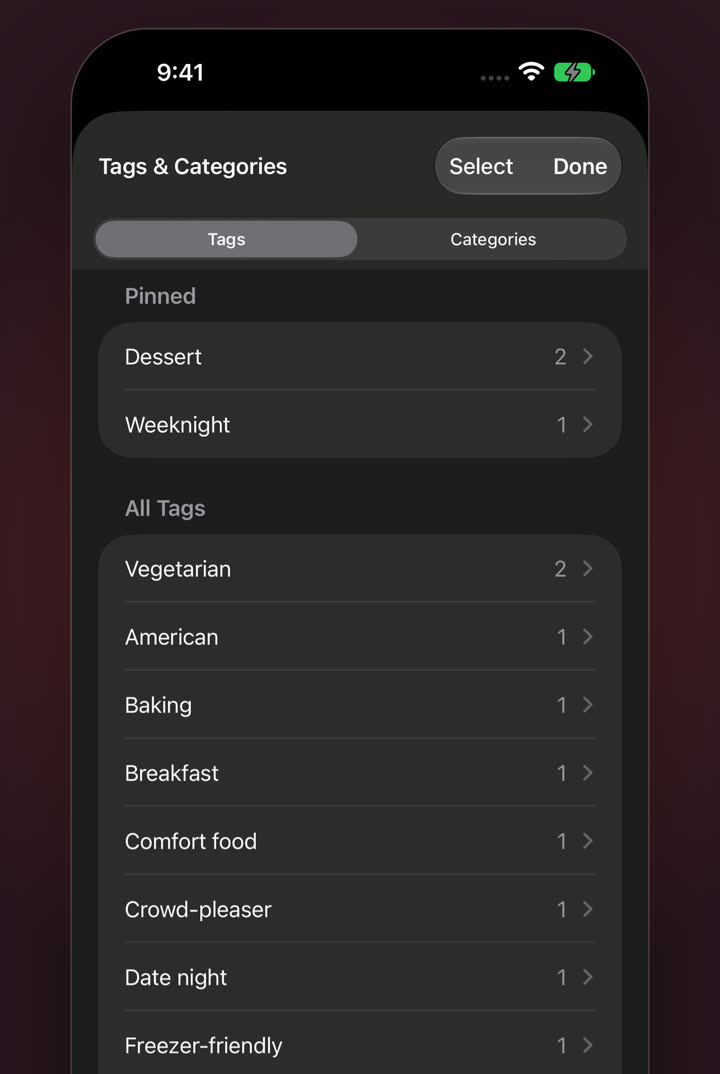
Categories, filled in for you
New recipes are filed into a category with a matching icon as you save them.
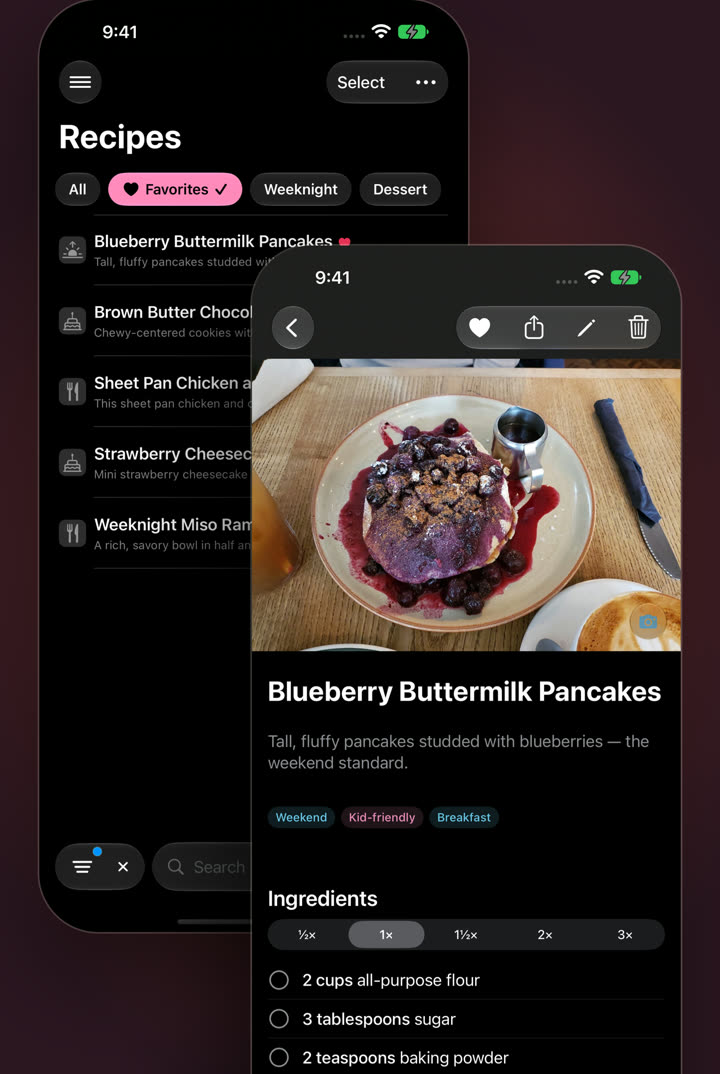
Favorites
Heart any recipe and it waits in Favorites. Combine Favorites with a pinned tag like Weeknight, and you’re down to the five dinners everyone actually eats.
Pinned tags & filters
Pinned tags sit across the top of your library as one-tap filters. Need more? Narrow by any category or tag, then sort what’s left.
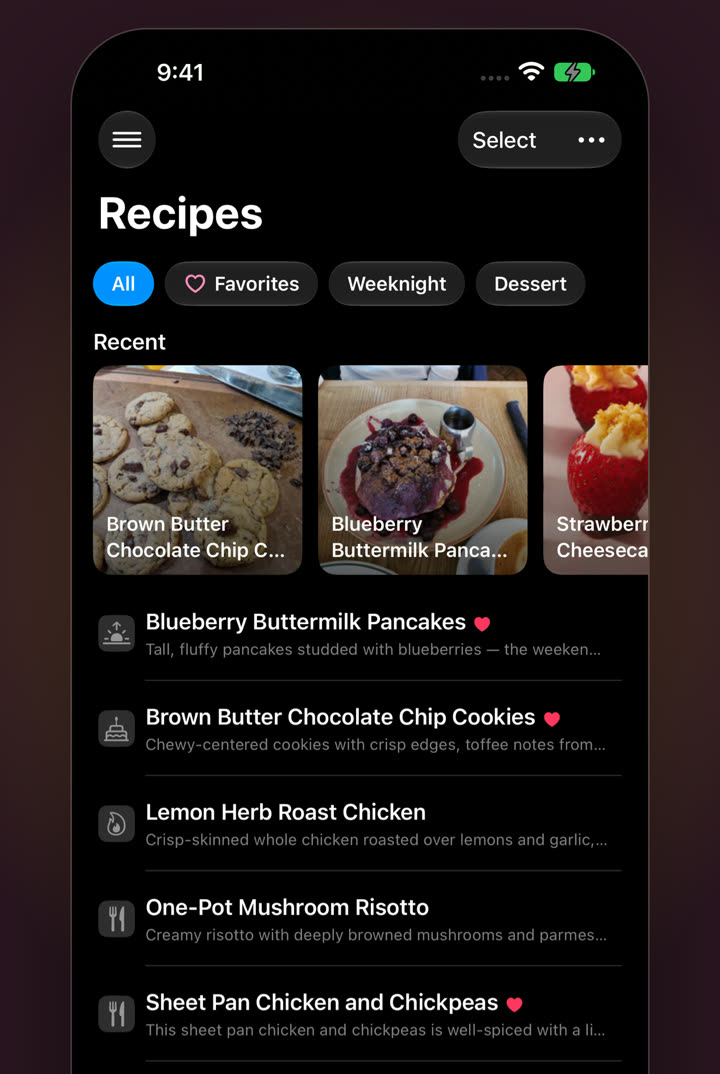
New recipes are filed into a category with a matching icon as you save them.
Add the ones your kitchen needs: Sourdough, Holiday, Grandma’s.
Start typing and Kept offers the tags you already use, so “weeknight” and “Weeknight” never split.
Fold “Dinner” into “Weeknight” across every recipe at once, and take it back if you change your mind.
Find any recipe in your whole collection, instantly.
Group your library by category, or browse what’s most recent and most cooked.
Portable by default
Kept writes each recipe’s category, tags and favorite into the top of its own file, not a hidden database. Copy it anywhere and its organization goes with it.
Each recipe has one category, like Dessert or Breakfast, with a matching icon. Tags are as many labels as you like: Weeknight, Kid-friendly, Freezer-friendly.
Yes. Bulk edits to tags and categories can be undone.
Yes, update every device that shares your library. Older versions can’t show Favorites or pinned tags, and a device still on 1.2 can replace a custom category with a built-in one when it syncs. Kept 1.3 requires iOS 27, iPadOS 27 or macOS 27.
For iPhone, iPad and Mac. No subscription.
