Share from Safari
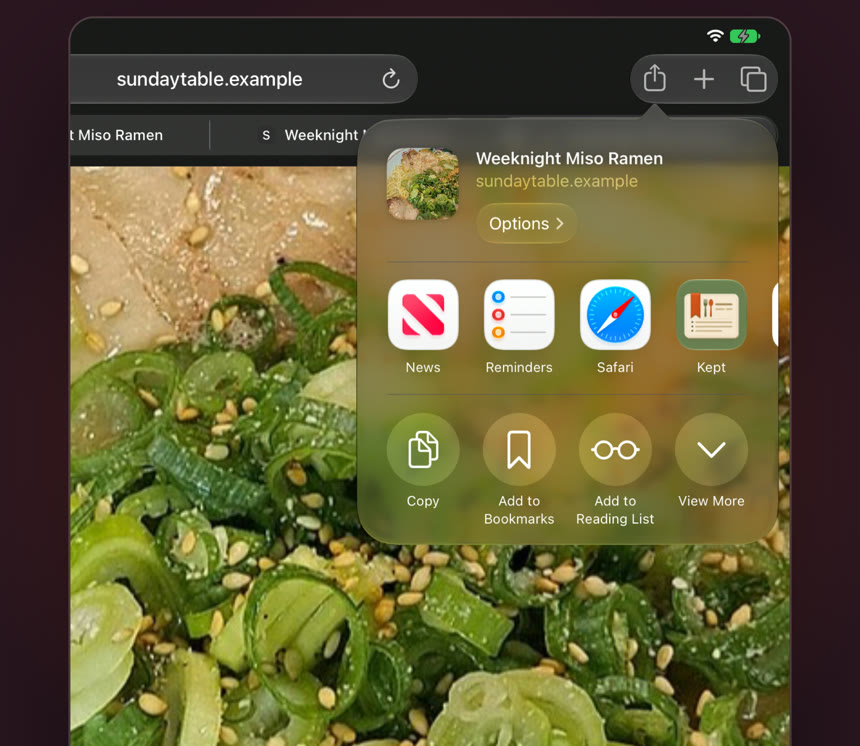
On any recipe page, tap Share, then Kept. The title, ingredients, steps and photo are pulled out for you.
On any recipe page, tap Share, then Kept. The title, ingredients, steps and photo are pulled out for you.
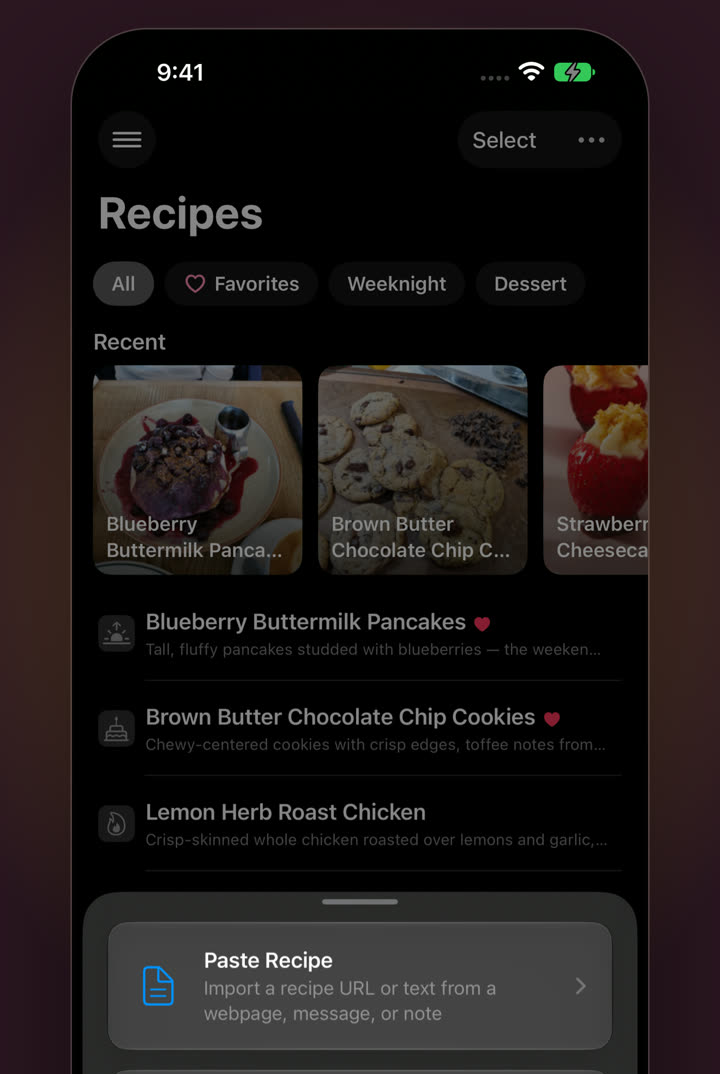
Got a link in Messages or Mail? Paste it into Kept and it fetches the recipe from the page.
Point the camera at a cookbook page or a handwritten card, and Kept reads it into a structured recipe.
A recipe sitting in Notes or an old email becomes proper ingredients and numbered steps.
Already keep .cook files? Link the folder and browse or edit them in place. Nothing is moved or copied. On Mac, you can also drag recipe files straight onto your list.
How to
Any recipe page in Safari, or any app with a Share button.
Don’t see Kept? Swipe to the end of the app row and tap More.
It’s in your library, filed into a category and syncing to your other devices.
Comes into Kept
Left on the page
Most recipe websites. If a page won’t come through cleanly, copy the recipe text and paste it into Kept instead. Results depend on the page or photo, so give each new recipe a quick look. Everything is editable.
Yes, cookbook pages and handwritten cards. A flat, well-lit photo gives the best result, and you can tidy anything up afterwards.
Yes. The source link is saved with the recipe, so credit goes where it’s due.
Into iCloud Drive › Kept › Recipes, as plain-text Cooklang files. See what’s inside one.
For iPhone, iPad and Mac. No subscription.
